Top 5 Free Alternatives to Adobe Photoshop for Web Designers in 2026
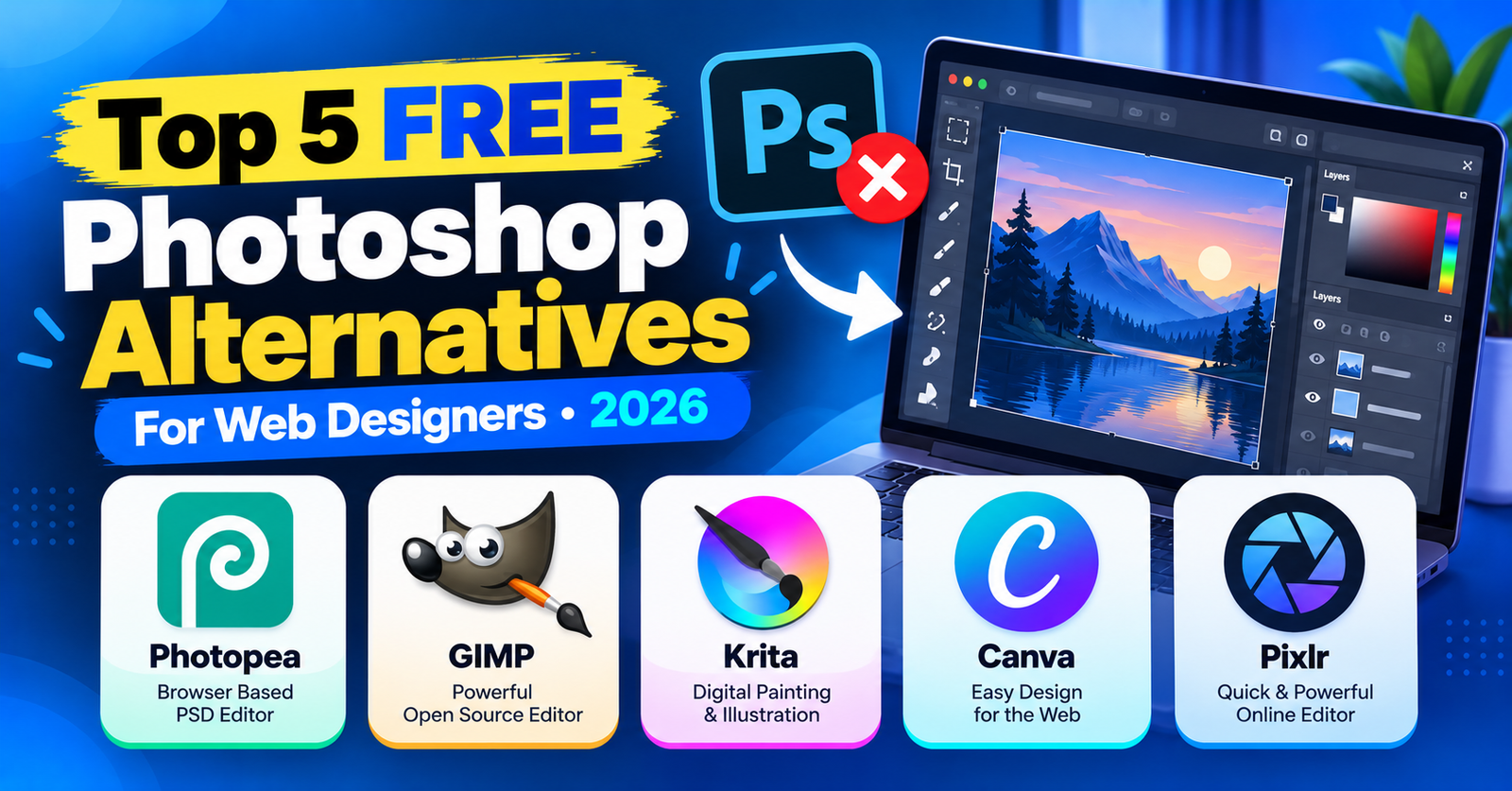
For decades, Adobe Photoshop has been the undisputed industry benchmark for graphic design and image manipulation. But with rising Creative Cloud subscription costs and software that consumes massive system RAM, many web developers and designers are asking:
Do you really need an expensive Photoshop subscription just to crop images, remove backgrounds, design banners, and export web assets?
The short answer is: absolutely not. Modern free design tools have evolved dramatically. Today, you can access powerful raster editing, vector tools, and layer manipulation completely free of charge.
In this curated guide, we review the top 5 free alternatives to Photoshop in 2026 for web designers, freelancers, and content creators.
1. Photopea (The Best In-Browser Photoshop Clone)
Platform: Web Browser (No installation needed) | File Support: PSD, AI, XD, Figma, RAW
Photopea is nothing short of a technical masterpiece. Developed by Ivan Kutskir, it looks, feels, and functions almost identically to Adobe Photoshop right inside your web browser.
- Supports layers, layer masks, blend modes, smart objects, and clone stamps.
- Opens and saves native
.psdfiles with zero layout distortion. - Runs 100% locally in your browser cache, meaning your files are never uploaded to an external server.
Verdict: The absolute best free alternative if you love Photoshop’s keyboard shortcuts and interface.
2. GIMP (The Open-Source Powerhouse)
Platform: Windows, macOS, Linux | Cost: 100% Free Open Source
GIMP (GNU Image Manipulation Program) is the oldest and most capable open-source raster editor in the world. It provides advanced photo retouching, customizable brushes, Bézier curves, and a vast ecosystem of third-party plugins.
Verdict: Best for desktop power users who want an offline, open-source workstation editor.
3. Figma (Best for Web & UI Asset Creation)
Platform: Web, Windows, macOS | Free Tier: Unlimited personal drafts
While Photoshop was built for photo retouching, modern web design is entirely about responsive UI, typography scales, and component layouts. Figma has largely replaced Photoshop for website mockups, banner creation, and SVG icon workflows.
Verdict: The industry standard for creating website graphics, UI components, and social media banners.
4. Krita (Best for Digital Art & Illustration)
Platform: Windows, macOS, Linux | Cost: Free Open Source
If you use Photoshop primarily for drawing, digital painting, or creating custom character illustrations for blog headers, Krita outperforms even Photoshop with its advanced brush stabilizer and color mixing engines.
Verdict: The gold standard for digital painters and custom illustrative design.
5. Canva (Best for Quick Web Graphics & Social Assets)
Platform: Web, iOS, Android | Free Tier: Generous free template library
If you don’t need layer-level pixel manipulation and simply want to create stunning blog featured images, YouTube thumbnails, and promotional banners in under five minutes, Canva’s drag-and-drop templates are unmatched.
Verdict: The fastest tool for non-designers needing professional featured images.
For more web development tutorials and digital workflow tips, check our guides on resolving failed to write file to disk errors and adjusting settings for 413 request entity too large issues.
Wrapping Up
You don’t need a monthly Adobe subscription to build gorgeous web graphics. For pixel-level photo edits, Photopea and GIMP lead the way; for modern UI and web asset workflows, Figma is unbeatable.
Which free tool is your daily go-to? Share your design toolkit in the comments below!